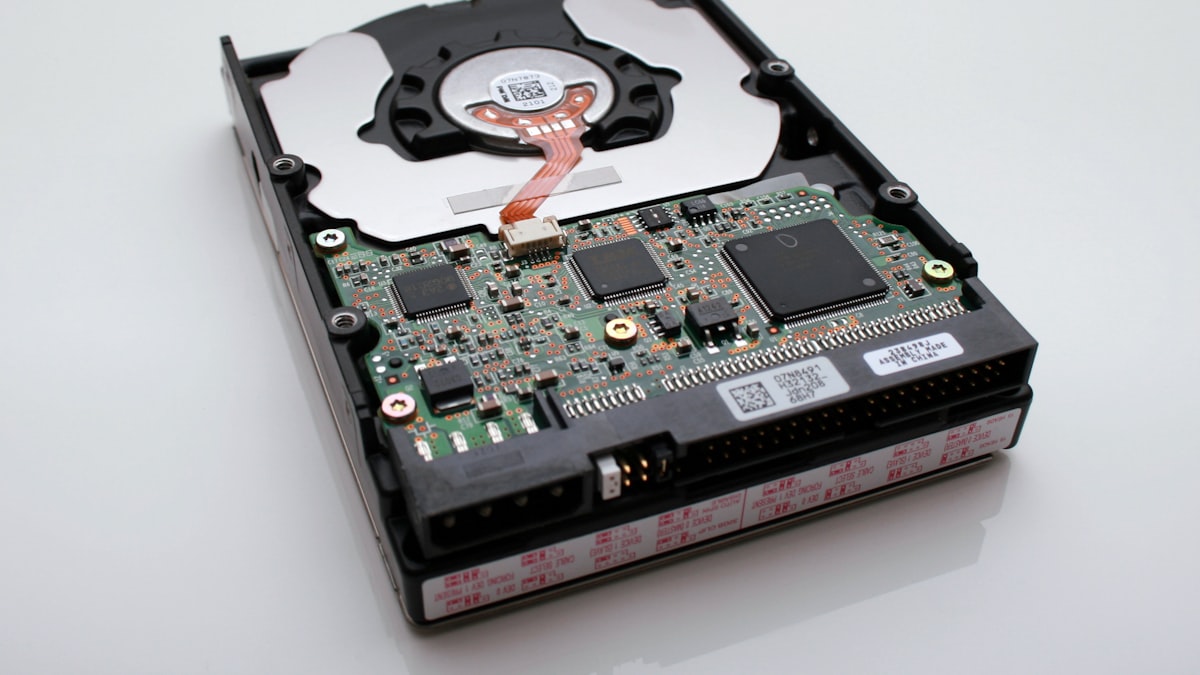
The Universal Tech Support Mystery
Every computer enthusiast has experienced the familiar frustration:
You purchase a brand-new 1 TB SSD or 2 TB external hard drive, plug it into your Windows PC, open File Explorer, and view the drive properties. Instead of seeing 1,000 GB Available, Windows reports:
| Drive Metric | Manufacturer Specification | Windows File Explorer Report |
|---|---|---|
| Purchased Capacity | 1,000,000,000,000 Bytes (1.0 TB) | 1,000,000,000,000 Bytes |
| Reported Size | 1,000 GB (Decimal SI) | 931.32 GB (Binary GiB mislabeled) |
| Apparent "Missing" Space | ~68.68 GB (6.87% discrepancy) |
Where did the remaining 69 gigabytes go? Did the manufacturer shortchange you? Was the drive damaged in transit? Is Windows hiding a secret recovery partition?
The surprising answer has nothing to do with defective hardware or sneaky manufacturers. It is the result of a decades-old battle between decimal SI standards and binary computing standards—and Microsoft's refusal to update its labeling conventions.
1. Storage Manufacturers use Decimal ()
The entire discrepancy boils down to how humans and computers count.
| Prefix Magnitude | Decimal Standard (SI / Drive Makers) | Binary Standard (IEC / Operating Systems) | Discrepancy Gap |
|---|---|---|---|
| Kilo- | 1 Kilobyte (KB) = | 1 Kibibyte (KiB) = | +2.4% |
| Mega- | 1 Megabyte (MB) = | 1 Mebibyte (MiB) = | +4.9% |
| Giga- | 1 Gigabyte (GB) = | 1 Gibibyte (GiB) = | +7.4% |
| Tera- | 1 Terabyte (TB) = | 1 Tebibyte (TiB) = | +9.9% |
The Hardware Manufacturer's Perspective (Decimal SI)
Hardware manufacturers follow the International System of Units (SI). In the SI metric system:
- Kilo () =
- Mega () =
- Giga () =
- Tera () =
When a manufacturer builds a 1 TB hard drive, they physically manufacture platters or silicon flash chips with 1,000,000,000,000 bytes of raw storage.
2. Windows Calculates in Binary ()
Computers do not think in base-10 decimals; their logic gates operate on binary switches (0 and 1). Memory address lines naturally scale in powers of two:
In 1998, the International Electrotechnical Commission (IEC) formally standardized binary prefixes to eliminate ambiguity:
- 1 Kibibyte (KiB) =
- 1 Mebibyte (MiB) =
- 1 Gibibyte (GiB) =
- 1 Tebibyte (TiB) =
3. The Math Behind the 931 GB Mystery
When Windows reads your 1 TB storage device, it counts every single one of the 1,000,000,000,000 bytes on the drive. But when it calculates the capacity to display on your screen, it divides by :
Your drive physically contains every byte you paid for. However, Windows calculates the value in Gibibytes (GiB) and incorrectly stamps the label "GB" next to it.
4. The Compounding Divergence: Why Bigger Drives "Lose" More Space
The percentage difference between decimal () and binary () units compounds exponentially with every prefix level:
| Drive Advertised Label | Raw Decimal Bytes () | Windows Reported Capacity | Apparent "Missing" Space | Discrepancy |
|---|---|---|---|---|
| 500 GB | 465.66 GiB | ~34.3 GB | 6.87% | |
| 1 TB (1,000 GB) | 931.32 GiB | ~68.7 GB | 9.09% | |
| 2 TB | 1,862.65 GiB | ~137.3 GB | 9.09% | |
| 4 TB | 3,725.29 GiB | ~274.7 GB | 9.09% | |
| 8 TB | 7,450.58 GiB | ~549.4 GB | 9.09% | |
| 16 TB | 14,901.16 GiB | ~1,098.8 GB | 9.09% | |
| 1 PB (Petabyte) | 888.18 TiB | ~111.8 TB | 11.18% |
When you buy a massive 16 TB NAS drive, you appear to "lose" over 1.1 TB of capacity simply due to binary math!
5. How Other Operating Systems Handle the Problem
Windows is increasingly unique in how it handles this display.
| Operating System Platform | Displayed Size (1 TB Drive) | Mathematical Standard | Labeling Accuracy |
|---|---|---|---|
| Windows 11 / 10 | 931 GB | Binary () using decimal prefix | Mislabeled (actually 931 GiB) |
| macOS (Snow Leopard+) | 1.00 TB | Decimal () SI standard | True metric alignment |
| Linux (Ubuntu / Fedora) | 931 GiB | Binary () with standard IEC label | Strict IEEE / IEC compliance |
- macOS (Apple): Prior to 2009, macOS behaved like Windows. With the release of Mac OS X 10.6 (Snow Leopard), Apple switched Finder to use standard decimal units (). If you plug a 1 TB drive into a modern MacBook, it displays cleanly as 1.0 TB.
- Linux (Ubuntu, Debian, Fedora): Linux tools use precise IEC standards: command-line utilities clearly distinguish between
df -h(showing931 GiB) and decimal SI flags.
6. Other Legitimate Consumers of Disk Space
Beyond the binary/decimal calculation difference, a small amount of drive space is genuinely used by storage infrastructure:
- File System Overhead (NTFS / FAT32 / exFAT):
Formatting a drive creates file system data structures like the NTFS Master File Table (MFT), journal logs, and allocation bitmaps. This consumes about 0.5% to 1.5% of total space. - Hidden System and Recovery Partitions:
Pre-built computers and boot drives often contain an EFI System Partition (100 to 500 MB) and an OEM Windows Recovery Partition (1 to 15 GB) hidden from File Explorer. - Allocation Unit Slack Space:
Files are stored in clusters (typically 4 KB). A tiny 1 KB text file still consumes a full 4 KB sector on disk.
Summary & Key Takeaways
- Your drive is not defective or missing storage. A 1 TB drive contains all 1,000,000,000,000 bytes promised on the package.
- The discrepancy is mathematical: Manufacturers count in decimal powers of 1,000 (), while Windows divides by binary powers of 1,024 ().
- Windows displays Gibibytes (GiB) while erroneously labeling them as Gigabytes (GB).
- The gap widens with larger drives: from a 7% gap in gigabytes to over 9% in terabytes and 11% in petabytes.